

Yes, alt text matters for an electrician's website: it's a short written description of an image that helps Google understand what a photo shows, which makes it a ranking signal in Google Images, and it lets screen readers describe the photo to anyone who can't see it. Electrician SEO Pro's rule is to describe each photo plainly, adding the service and town only where they fit, and never to stuff it with keywords.
What is alt text on an electrician's website?
Alt text on an electrician's website is a short written description of an image, added in the image's code, that says what the photo shows. Google reads it to understand the image, screen readers read it aloud for people who can't see the picture, and browsers display it if the image fails to load. It is also called an alt tag or alt attribute.
That's it. Nothing fancy. No SEO wizardry. Just describe what's happening in the photo. In the code it looks like this (made up):
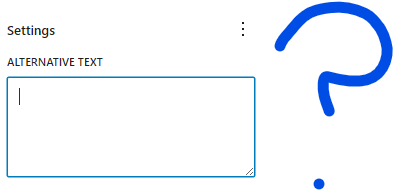
<img src="fusebox-replacement.jpg" alt="Replacing old fuse box in Sheffield home">And this is the alt text box in WordPress, filled in for a screenshot in my guide to canonical tags:

So does it actually help you rank?
Is alt text a ranking signal for electricians?
Yes, alt text is a ranking signal for electricians, mainly for their photos in Google Images, where it's one of the clearest clues to what an image shows. On an ordinary page it also adds context about the service and the area. Electrician SEO Pro treats it as a cheap, worthwhile signal rather than a lever on its own: it won't rescue a thin page, and stuffing it with keywords makes a site look spammy.
Google's image best practices say Google uses alt text along with computer vision and the contents of the page to understand an image, and warn that keyword stuffing in alt text can make a site look like spam.
Most electricians treat photos like visual fluff. They upload a few job shots and call it a day. But every photo is a chance to be found. Here's Google Images for "electrician Manchester":
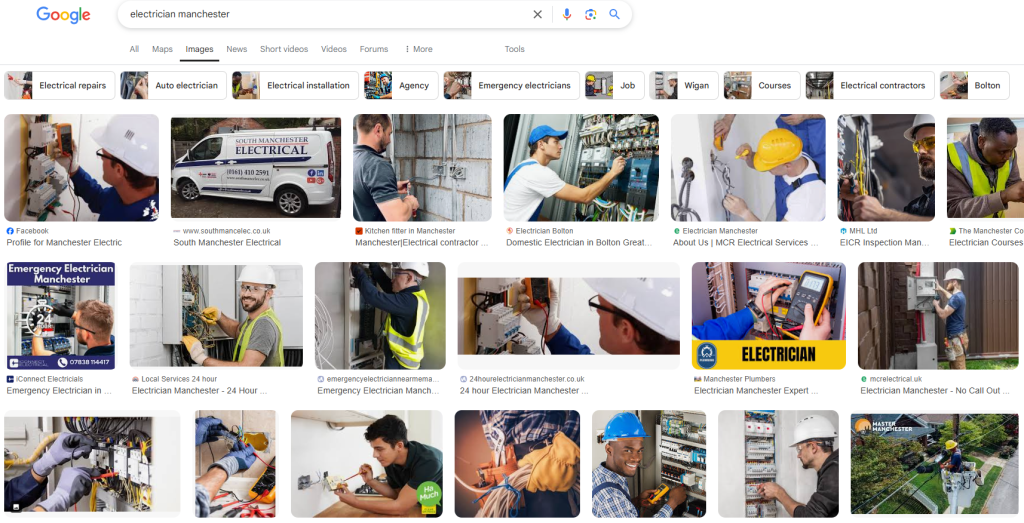
Google also uses its own image recognition, so alt text isn't the only clue. It's the one you control. Used well, it:
- Reinforces the services you offer.
- Adds location signals without keyword stuffing.
- Gives your photos a chance of showing up in Google Images, which can bring real enquiries.
- Supports your service pages with more relevant context.
Next: what to actually write.
What should an electrician write in image alt text?
An electrician should write image alt text as one short, plain description of what the photo shows, adding the service and the town only where they genuinely fit. Electrician SEO Pro's rule is to write it for a person who can't see the photo first and for Google second. A description like "Replacing old fuse box in Sheffield home" tells both what the photo is and roughly where the work happened.
Here's the level of detail I'm after (all made up):
- "Old fuse box replacement in 3-bed semi, Leeds"
- "Fuse box replacement in York home"
- "Electrician testing a new consumer unit in a Harrogate kitchen"
Short, clear and actually useful. It's that specific.
Do it across your whole site and you're sending sensible local and topical clues to Google without writing a single blog post. Here's a filled-in box, with a clear sentence about the photo:

Plenty of electricians get this wrong, so here's what not to do.
What alt text mistakes should electricians avoid?
The alt text mistakes electricians should avoid are leaving it blank on photos that matter, stuffing it with keywords, writing vague descriptions like "image1", using the same text on every photo, and mixing it up with a caption. Electrician SEO Pro's fix is the same each time: describe each photo in plain words, give every photo its own description, and mention the service and town once.
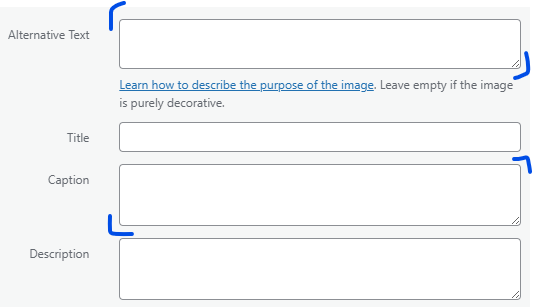
Leaving it blank. Imagine you've uploaded 47 photos of jobs (made up): rewires, consumer unit upgrades, EV charger installs. Every single one has empty alt text. That's a missed opportunity. The one exception is a purely decorative image, like a divider, where empty is right. WordPress even says "Leave empty if the image is purely decorative" on the box.
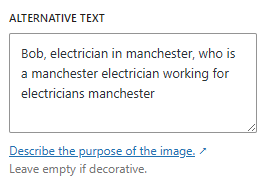
Keyword stuffing. Cramming in "electrician leeds york best cheap local electrical installer" reads as spam to people and search engines. Here's a made-up example of how bad it gets:
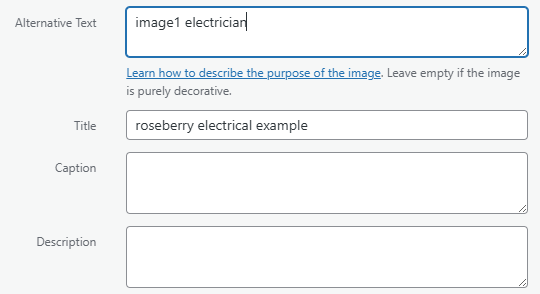
Vague descriptions. "Image1" or "Work done" tells nobody anything. It's like pointing at a blurry photo and saying "you know what this is, right?" Nope.
The same text on every photo. Just lazy. If you've got ten different job photos, give each one its own description.
Confusing alt text with captions. Captions are for people skimming your blog post. Alt text is for screen readers and search engines. Two different jobs, two different boxes.
If you've made these mistakes, no stress. Here's how to fix them.
How do electricians add alt text in WordPress?
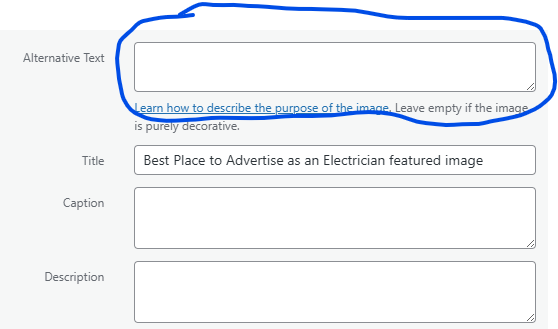
Electricians add alt text in WordPress by opening an image in the Media Library and typing a short description into the Alt Text box. WordPress saves it automatically. If you add an image directly inside a post or page, you can also edit its alt text in the image settings after inserting it. Mention the service and the town only if it makes sense for that photo.
The steps:
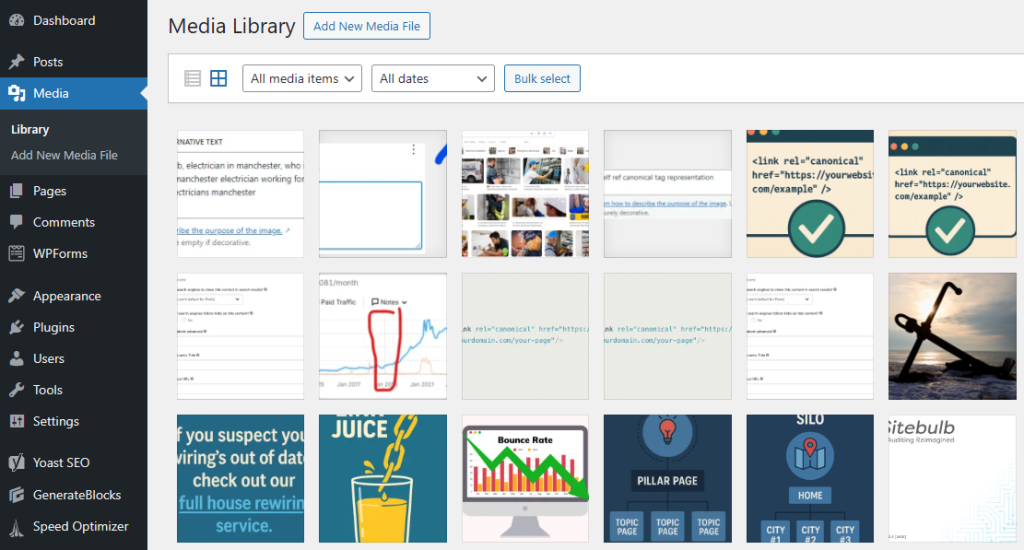
- Go to your Media Library.
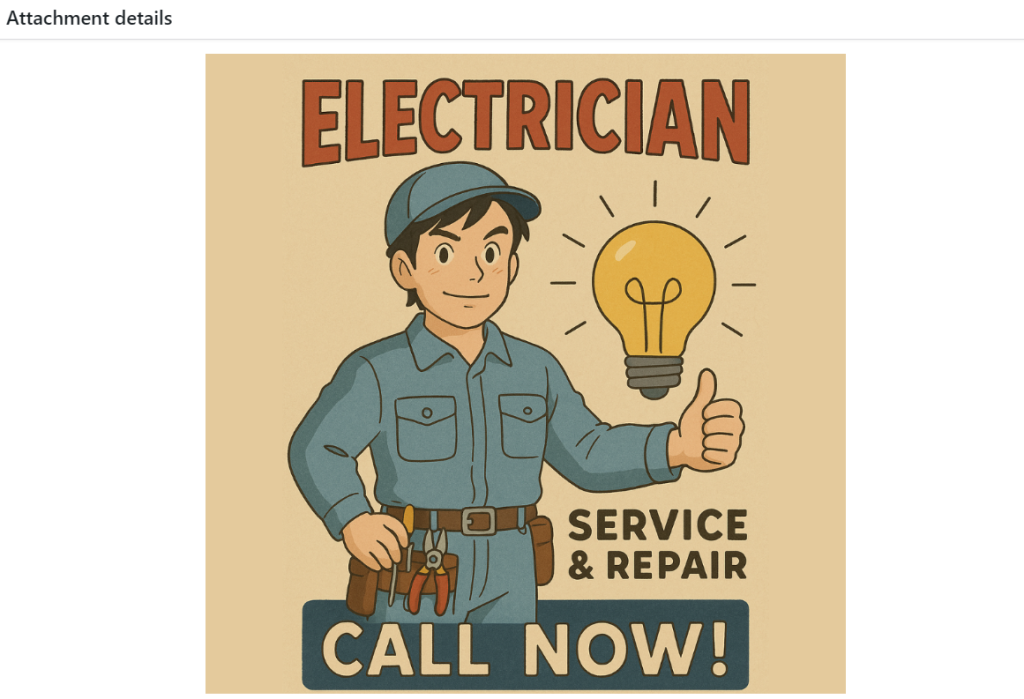
- Click on any image.
- On the right-hand side, find the "Alt Text" box.
- Write your short, descriptive sentence.
- Done. WordPress auto-saves.
For the code-heads and devs, it goes inside the image tag (made up):
<img src="fusebox.jpg" alt="Fuse box replacement in York home">Then follow the same rules as before: plain, specific, no stuffing.
Already got a site full of photos? Here's how to check.
How can an electrician check if their images have alt text?
An electrician can check if their images have alt text by right-clicking the page, choosing Inspect, and searching the code for img tags that have no alt attribute, or an empty one on a photo that matters. On Windows, Ctrl+Shift+I opens the same panel, and on a Mac it's Cmd+Option+I. Electrician SEO Pro suggests checking your homepage and your main service pages first.
Once the panel's open, use the search (Ctrl+F) to find img tags. Look for images like this:
<img src="fusebox.jpg">
<img src="fusebox.jpg" alt="">
The first has no alt attribute at all. The second has an empty one. If it's a photo of your work, you've got work to do. If it's a purely decorative image, it's fine.
Alt text is half the story, though. Two more photo habits are worth your time.
What else should electricians do with their photos for SEO?
Besides alt text, there are two photo habits that help an electrician's SEO: renaming image files before uploading them, and using their own photos of real jobs instead of stock images. A file called consumer-unit-upgrade-harrogate.jpg tells Google a little more than IMG_1092.jpg. Electrician SEO Pro's rule is to put each photo on the page about that job, next to the text that covers it.
1. Rename the file before you upload it. Most electricians upload stuff like IMG_1092.jpg. Rename it to something clear first:
- Bad: IMG_1092.jpg
- Good: consumer-unit-upgrade-harrogate.jpg
It's only a light clue, but it keeps your media library clean and makes future updates easier. Where else your keywords should go is in my guide to keyword placement.
2. Use original photos. Stock photos are lazy. Whip out your phone and take real on-site pictures:
- Jobs you've completed.
- Your van with signage.
- You or your team actually doing the work.
It builds trust, and it makes your business look legit because it is. Real photos of real work are also one of the simplest ways to show experience, which I cover in my guide to E-E-A-T for electricians.
Describe it. Name it. Photograph it yourself.
Want a hand with the images on your electrician website?
You can get a hand with the images on your electrician website from Electrician SEO Pro, as part of a full SEO service for your electrical business, or sort the alt text yourself with a quick check of your page code. Alt text is one part of on-page SEO, alongside titles, headings, content and internal links. Whichever route you take, the rule stays the same: describe each photo plainly, uniquely and honestly.
If you've got the time, everything you need is in my free on-page SEO guide for electricians. If you'd rather spend your evenings on the tools than writing descriptions of fuse boxes, I can take it off your hands, alongside the rest of your SEO.
See how I can help, or crack on yourself.
Over to you.